
What Is Cloud Computing And How Does It Work
Introduction
Cloud computing has become one of the most important technologies in the modern digital world. Individuals, businesses, schools, hospitals, and government organizations use cloud services every day without always realizing it. Whether you store photos online, send emails, watch videos, or use online office software, cloud computing is working behind the scenes.
In the past, companies had to purchase expensive servers, install software on every computer, and maintain their own data centers. This process required significant investment, technical expertise, and ongoing maintenance. Cloud computing changed this approach by allowing organizations to access computing resources through the internet instead of owning physical infrastructure.
Today, businesses can rent servers, databases, storage, networking, and software from cloud providers whenever they need them. They pay only for the resources they use, making cloud computing both cost-effective and flexible.
This guide explains what cloud computing is, how it works, its main components, different service models, deployment models, advantages, challenges, real-world applications, and best practices.
What Is Cloud Computing?
Cloud computing is the delivery of computing services over the internet. Instead of storing data or running applications on a local computer or company-owned server, users access these services from remote data centers managed by cloud service providers.
Cloud computing services include:
- Data storage
- Virtual servers
- Databases
- Networking
- Software applications
- Artificial intelligence tools
- Machine learning services
- Analytics platforms
- Backup solutions
Users can access these resources anytime through an internet connection.
Why Is It Called the Cloud?
The word “cloud” refers to the internet. In network diagrams, the internet is often represented by a cloud-shaped symbol. Instead of knowing the exact location of servers or storage systems, users simply connect to cloud services through the internet.
This means people can use applications and access files without worrying about the physical hardware running behind the scenes.
How Does Cloud Computing Work?
Cloud computing works by connecting users to powerful remote servers through the internet. These servers are located in large data centers operated by cloud providers.
The basic process includes the following steps:
- A user requests a cloud service using a computer, smartphone, or tablet.
- The request travels through the internet.
- The cloud provider receives the request.
- The provider processes the request using its servers.
- The requested data or application is delivered back to the user.
- The user continues working while the provider manages the infrastructure.
This process happens within seconds.
For example, when you upload a document to cloud storage, the file is stored in remote data centers instead of your local computer. Whenever you open that document later, it is downloaded securely from the cloud.
Main Components of Cloud Computing
Cloud computing depends on several important components.
Front End
The front end includes the devices and applications used by customers.
Examples include:
- Desktop computers
- Laptops
- Smartphones
- Tablets
- Web browsers
- Mobile applications
Users interact with cloud services through these devices.
Back End
The back end includes the infrastructure managed by cloud providers.
It consists of:
- Servers
- Databases
- Storage systems
- Virtual machines
- Security systems
- Networking equipment
The back end performs all processing tasks.
Internet Connection
An internet connection links users to cloud services.
Without internet access, users cannot reach remote cloud resources.
Types of Cloud Computing Services
Cloud computing services are generally divided into three major categories.
Infrastructure as a Service (IaaS)
Infrastructure as a Service provides virtual computing resources.
Businesses rent:
- Virtual servers
- Storage
- Networking
- Operating systems
The customer manages applications while the provider manages the physical infrastructure.
This model is suitable for businesses needing maximum flexibility.
Platform as a Service (PaaS)
Platform as a Service provides a complete development environment.
Developers receive:
- Operating systems
- Programming tools
- Databases
- Testing environments
This allows software developers to create applications without managing hardware.
Software as a Service (SaaS)
Software as a Service delivers applications through the internet.
Users simply log in and begin working.
Examples include:
- Email platforms
- Office software
- Customer management systems
- Video conferencing applications
No installation is required on local computers.
Types of Cloud Deployment Models
Cloud computing uses different deployment models depending on business requirements.
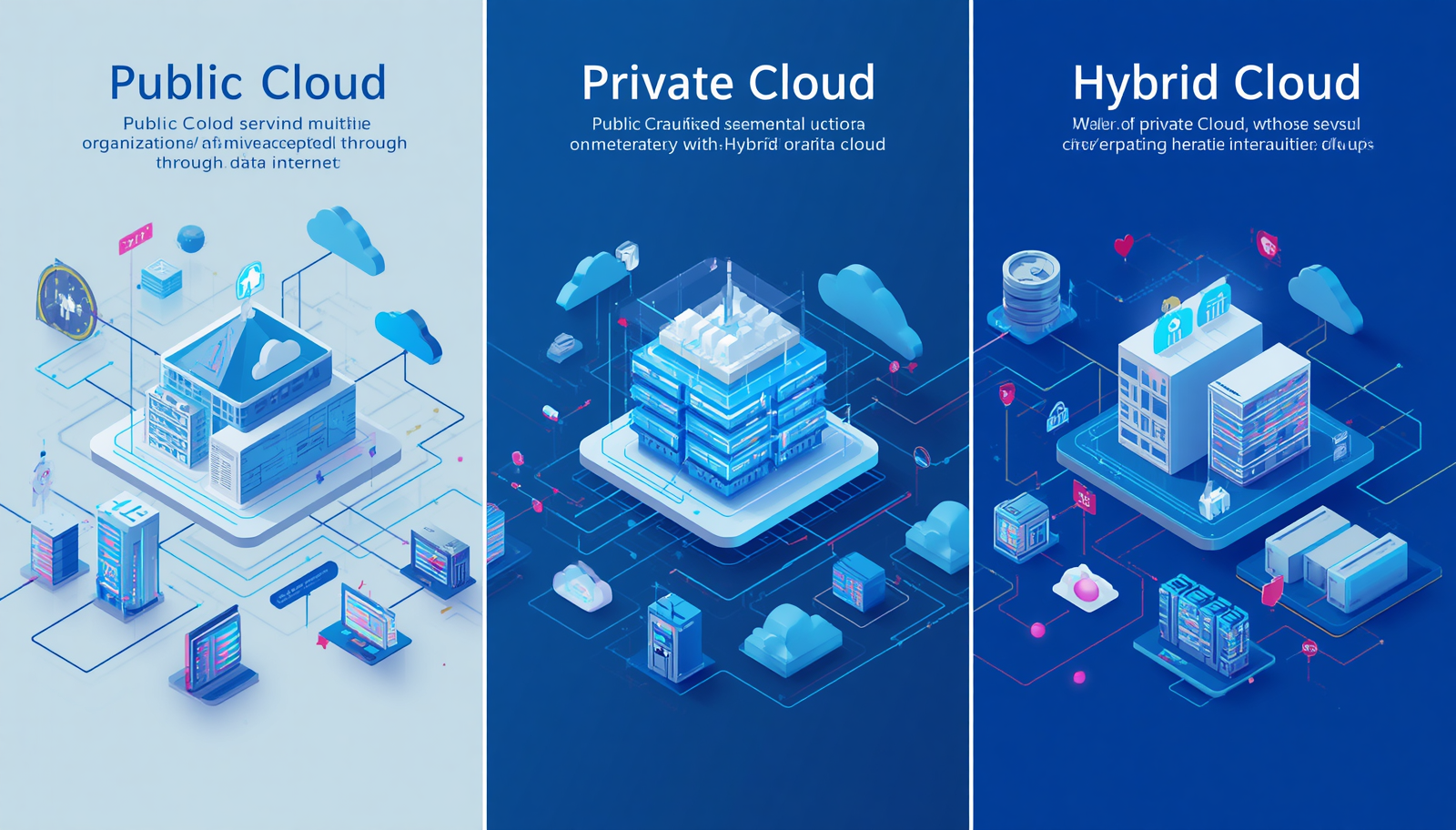
Public Cloud
Public cloud services are shared among multiple customers.
The provider owns and manages all infrastructure.
Examples include AWS, Microsoft Azure, and Google Cloud.
This model is affordable and highly scalable.
Private Cloud
Private cloud infrastructure belongs to one organization.
It provides:
- Greater control
- Higher customization
- Enhanced security
Many banks and healthcare organizations prefer private clouds.
Hybrid Cloud
Hybrid cloud combines public and private cloud environments.
Businesses keep sensitive information in private infrastructure while using public cloud resources for other workloads.
This provides both flexibility and security.
Key Characteristics of Cloud Computing
Cloud computing offers several important features.
On-Demand Access
Users obtain computing resources whenever needed.
Resource Pooling
Cloud providers share computing resources among many customers while keeping data separated.
Rapid Scalability
Businesses increase or reduce resources within minutes.
Measured Service
Customers pay only for actual usage.
Broad Network Access
Cloud services are available through internet-connected devices.
Benefits of Cloud Computing
Cloud computing offers many advantages.
Lower Costs
Businesses avoid purchasing expensive hardware.
Scalability
Resources grow with business needs.
Flexibility
Employees work from any location.
Better Collaboration
Teams share documents in real time.
Automatic Updates
Software remains current without manual installation.
Strong Security
Cloud providers use encryption, firewalls, and identity management.
Disaster Recovery
Businesses recover data quickly after unexpected failures.
Reliable Backup
Automatic backups protect important information.
Real-World Examples of Cloud Computing
Cloud computing is used in many everyday activities.
Examples include:
- Online email services
- Video streaming
- Cloud file storage
- Online gaming
- Virtual meetings
- Social media platforms
- Online banking
- E-commerce websites
- Learning management systems
- Customer relationship management software
Millions of people use cloud services daily without noticing.
Industries That Use Cloud Computing
Cloud computing supports many industries.
These include:
- Healthcare
- Banking
- Education
- Manufacturing
- Retail
- Government
- Telecommunications
- Logistics
- Entertainment
- Information Technology
Every industry benefits from faster access to digital resources.
Challenges of Cloud Computing
Although cloud computing offers many benefits, organizations should also consider potential challenges.
These include:
- Internet dependency
- Data privacy concerns
- Vendor lock-in
- Compliance requirements
- Service outages
- Cost management
Proper planning reduces these risks.
Cloud Security
Security is one of the most important aspects of cloud computing.
Cloud providers protect customer information through:
- Data encryption
- Multi-factor authentication
- Identity management
- Continuous monitoring
- Firewalls
- Backup systems
- Security updates
Businesses also share responsibility by protecting user accounts and access permissions.
Best Practices for Using Cloud Computing
Businesses should follow several best practices.
- Choose a trusted cloud provider.
- Encrypt sensitive information.
- Enable multi-factor authentication.
- Monitor cloud expenses regularly.
- Create automatic backups.
- Train employees on cybersecurity.
- Review user permissions frequently.
- Update security policies.
- Test disaster recovery plans.
- Monitor application performance.
These practices improve security and efficiency.
Future of Cloud Computing
Cloud computing continues to evolve.
Future developments include:
- Artificial intelligence integration
- Machine learning services
- Edge computing
- Internet of Things (IoT)
- Serverless computing
- Quantum computing research
- Advanced automation
- Improved cybersecurity
Cloud technology will continue supporting digital transformation across industries.
Conclusion
Cloud computing has transformed the way individuals and businesses use technology. Instead of investing heavily in physical infrastructure, organizations can access computing resources through the internet whenever needed. It offers flexibility, scalability, cost savings, stronger collaboration, and improved disaster recovery. From startups to multinational companies, cloud computing enables faster innovation and more efficient operations. As technology continues to advance, cloud computing will remain a foundation for digital business growth and modern IT infrastructure.
Frequently Asked Questions (FAQ)
1. What is cloud computing?
Cloud computing is the delivery of computing services such as storage, servers, software, and databases through the internet.
2. How does cloud computing work?
It works by allowing users to access remote servers hosted by cloud providers instead of using local hardware.
3. What are the main types of cloud computing?
The three main deployment models are Public Cloud, Private Cloud, and Hybrid Cloud.
4. What are the three cloud service models?
Infrastructure as a Service (IaaS), Platform as a Service (PaaS), and Software as a Service (SaaS).
5. Is cloud computing secure?
Yes. Reputable cloud providers use encryption, firewalls, identity management, and continuous monitoring to protect customer data.
6. What are the benefits of cloud computing?
Cloud computing reduces costs, improves scalability, supports remote work, enhances collaboration, and provides reliable backup and disaster recovery.
7. Who uses cloud computing?
Individuals, small businesses, large enterprises, healthcare providers, educational institutions, governments, and financial organizations all use cloud computing.
8. Can small businesses benefit from cloud computing?
Yes. Small businesses can access enterprise-level technology without purchasing expensive hardware.
9. What is an example of cloud computing?
Examples include cloud storage services, web-based email, online office software, video streaming platforms, and virtual meeting applications.
10. Why is cloud computing important?
Cloud computing helps organizations improve efficiency, reduce IT costs, increase flexibility, and support business growth in a digital environment.