
Common Cloud Computing Mistakes To Avoid
Introduction
Cloud computing has become an essential part of modern business operations. Organizations use cloud services to store data, host applications, improve collaboration, and reduce infrastructure costs. While cloud computing offers many benefits, businesses do not always achieve the expected results. Many organizations experience security issues, unexpected expenses, performance problems, or compliance challenges because they make avoidable mistakes during cloud adoption.
Moving to the cloud is more than transferring applications from local servers to remote infrastructure. It requires proper planning, strong security practices, continuous monitoring, and effective cost management. Businesses that fail to prepare often face downtime, data loss, security breaches, and reduced productivity.
Understanding the most common cloud computing mistakes helps organizations create a secure, efficient, and cost-effective cloud environment. This guide explains these mistakes and provides practical ways to avoid them.
Not Having a Cloud Strategy
One of the biggest mistakes businesses make is moving to the cloud without a clear strategy.
Many organizations migrate applications simply because cloud technology is popular without understanding their actual business requirements.
A successful cloud strategy should define:
- Business goals
- Budget
- Security requirements
- Migration timeline
- Expected outcomes
- Performance objectives
Planning before migration reduces risks and improves long-term success.
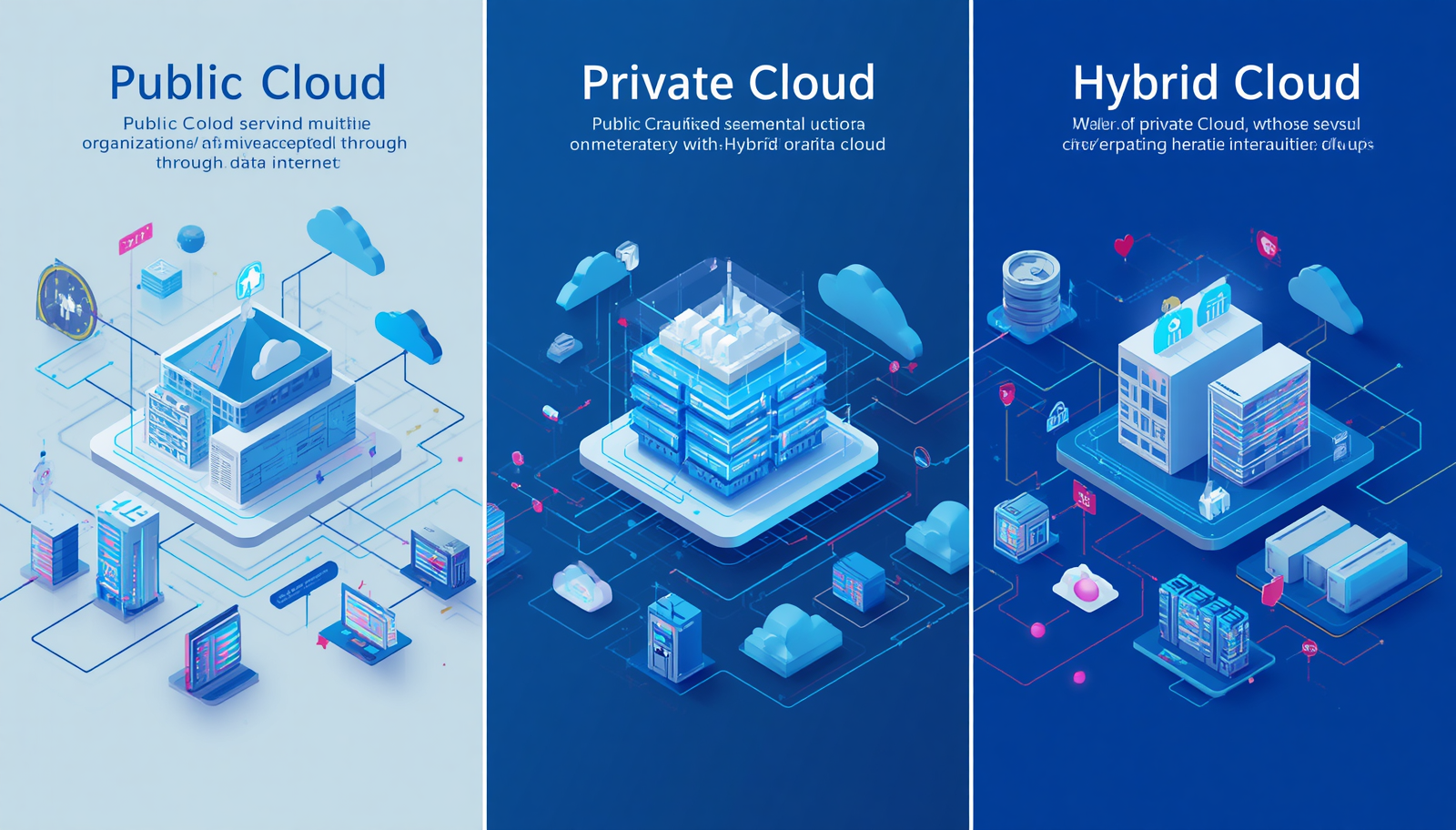
Choosing the Wrong Cloud Deployment Model
Not every business needs the same cloud environment.
Some organizations choose a public cloud when they require stronger security, while others invest in a private cloud even though a public cloud would meet their needs at a lower cost.
Before selecting a deployment model, evaluate:
- Data sensitivity
- Compliance requirements
- Budget
- Scalability needs
- Performance expectations
Choosing the correct model improves efficiency and reduces unnecessary costs.
Ignoring Cloud Security
Security should never be treated as an afterthought.
Many businesses assume the cloud provider is responsible for protecting everything.
In reality, cloud security follows a shared responsibility model.
Organizations must protect:
- User accounts
- Passwords
- Access permissions
- Business applications
- Sensitive information
Ignoring these responsibilities increases security risks.
Weak Password Management
Weak passwords remain one of the leading causes of unauthorized access.
Examples include:
- Simple passwords
- Reused passwords
- Shared passwords
- Passwords that never change
Businesses should require strong password policies and encourage the use of password managers.
Not Enabling Multi-Factor Authentication
Many cyberattacks succeed because accounts rely only on passwords.
Multi-factor authentication (MFA) adds another verification step, such as a mobile authentication app or security code.
Enabling MFA significantly improves account security.
Poor Access Control
Some organizations provide employees with more access than necessary.
This increases the risk of accidental or intentional data exposure.
Businesses should apply the principle of least privilege.
Employees should receive access only to the resources required for their jobs.
Skipping Regular Data Backups
Many businesses assume cloud providers automatically back up all data.
Although many services include backup options, organizations should create independent backup policies.
Regular backups help recover information after:
- Human error
- Hardware failure
- Cyberattacks
- Accidental deletion
- Software corruption
Ignoring Disaster Recovery Planning
Unexpected events can interrupt business operations.
Examples include:
- Server failures
- Ransomware attacks
- Natural disasters
- Network outages
A disaster recovery plan ensures systems and data can be restored quickly.
Businesses should regularly test recovery procedures.
Underestimating Cloud Costs
Cloud computing can reduce expenses, but poor cost management often leads to unexpected bills.
Common reasons include:
- Unused virtual machines
- Idle storage
- Excessive data transfers
- Overprovisioned resources
Organizations should monitor cloud spending and remove unused services.
Failing to Monitor Cloud Resources
Without continuous monitoring, businesses may overlook:
- Performance issues
- Security threats
- Unused resources
- System failures
- Cost increases
Cloud monitoring tools provide real-time insights into infrastructure performance.
Migrating Everything at Once
Some businesses attempt to move every application to the cloud simultaneously.
Large migrations increase complexity and operational risk.
A phased migration allows organizations to:
- Test workloads
- Identify problems
- Train employees
- Reduce downtime
Starting with less critical applications is often the safest approach.
Ignoring Compliance Requirements
Many industries must comply with regulations regarding data privacy and security.
Examples include:
- Healthcare
- Banking
- Government
- Insurance
Businesses should verify that their cloud environment meets all legal and regulatory requirements.
Choosing a Provider Based Only on Price
Selecting the cheapest cloud provider may create long-term problems.
Businesses should evaluate:
- Security features
- Performance
- Reliability
- Customer support
- Compliance certifications
- Global infrastructure
Value is more important than the lowest price.
Not Training Employees
Technology alone cannot protect cloud environments.
Employees must understand:
- Secure login practices
- Phishing attacks
- Password security
- Data handling procedures
- Cloud application usage
Regular training reduces human error.
Ignoring Software Updates
Outdated software often contains security vulnerabilities.
Businesses should install updates for:
- Operating systems
- Business applications
- Security tools
- Cloud management software
Automatic updates help maintain system security.
Not Encrypting Sensitive Data
Sensitive information should always be encrypted.
Encryption protects data:
- During storage
- During transmission
- During backup
Even if attackers access encrypted files, the information remains difficult to read without the proper keys.
Creating Too Many User Accounts
Unused employee accounts create unnecessary security risks.
Organizations should:
- Remove inactive accounts
- Disable former employee access
- Review user permissions regularly
This reduces opportunities for unauthorized access.
Failing to Test Security
Businesses often install security tools without testing them.
Regular security assessments identify weaknesses before attackers discover them.
Testing may include:
- Vulnerability scanning
- Penetration testing
- Security audits
- Access reviews
Ignoring Vendor Lock-In
Some cloud services make it difficult to move applications to another provider.
Before selecting a provider, businesses should consider:
- Data portability
- Migration support
- Open standards
- Exit strategies
Planning ahead prevents future complications.
Poor Documentation
Many organizations fail to document their cloud infrastructure.
Documentation should include:
- Network architecture
- User permissions
- Backup schedules
- Security policies
- Disaster recovery procedures
Good documentation simplifies troubleshooting and maintenance.
Not Reviewing Cloud Performance
Cloud environments should be reviewed regularly.
Businesses should monitor:
- Response times
- Resource usage
- Storage capacity
- Security events
- System availability
Continuous evaluation improves performance and efficiency.
Best Practices to Avoid Cloud Computing Mistakes
Businesses can reduce risks by following proven best practices.
- Develop a cloud migration strategy.
- Choose the right deployment model.
- Enable multi-factor authentication.
- Encrypt sensitive data.
- Create regular backups.
- Monitor cloud costs.
- Train employees regularly.
- Review access permissions.
- Test disaster recovery plans.
- Perform routine security audits.
- Keep software updated.
- Monitor system performance continuously.
Conclusion
Cloud computing offers flexibility, scalability, and cost savings, but these benefits can only be achieved through proper planning and management. Organizations that ignore security, cost control, employee training, and disaster recovery often experience avoidable problems. By understanding common cloud computing mistakes and implementing best practices, businesses can build a secure, reliable, and efficient cloud environment that supports long-term growth and digital transformation.
Frequently Asked Questions (FAQ)
1. What is the most common cloud computing mistake?
One of the most common mistakes is migrating to the cloud without a clear strategy or business plan.
2. Why is cloud security important?
Cloud security protects business data, applications, and user accounts from cyber threats and unauthorized access.
3. How can businesses reduce cloud costs?
They should monitor resource usage, remove unused services, optimize storage, and review cloud spending regularly.
4. Why should businesses enable multi-factor authentication?
Multi-factor authentication adds an extra layer of security and helps prevent unauthorized account access.
5. Is data backup still necessary in cloud computing?
Yes. Regular backups protect businesses from accidental deletion, cyberattacks, hardware failures, and other unexpected events.
6. What is vendor lock-in in cloud computing?
Vendor lock-in occurs when moving applications or data to another cloud provider becomes difficult due to platform-specific technologies.
7. Why is employee training important for cloud security?
Employees who understand cybersecurity best practices are less likely to cause data breaches or fall victim to phishing attacks.
8. Should businesses monitor cloud performance regularly?
Yes. Continuous monitoring helps identify performance issues, security threats, and unnecessary resource usage.
9. What is the shared responsibility model?
It is a security model where the cloud provider secures the infrastructure while customers are responsible for protecting their data, accounts, and applications.
10. How can businesses avoid common cloud computing mistakes?
Businesses should create a cloud strategy, implement strong security measures, monitor costs, train employees, perform regular backups, and continuously review their cloud environment.